



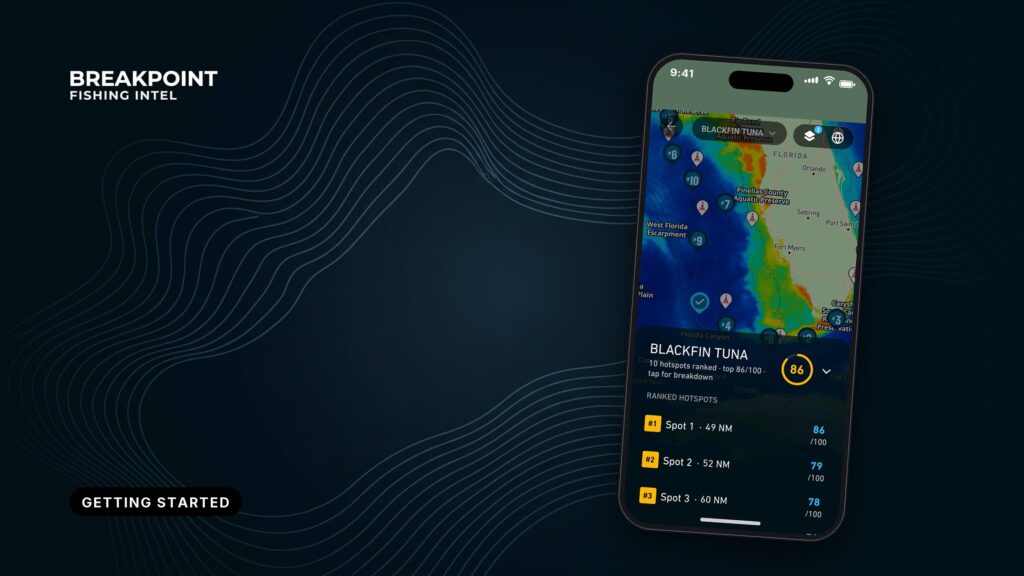
This guide covers the Breakpoint fishing app from setting a home port through opening your first ranked hotspot. You set a port, pick a species and a date, and read the pin at the top of the list.
What Breakpoint Does and Doesn’t Do
Breakpoint ranks fishing hotspots near your home port for a species and date you choose. It is a decision aid, and its limits matter as much as its features.
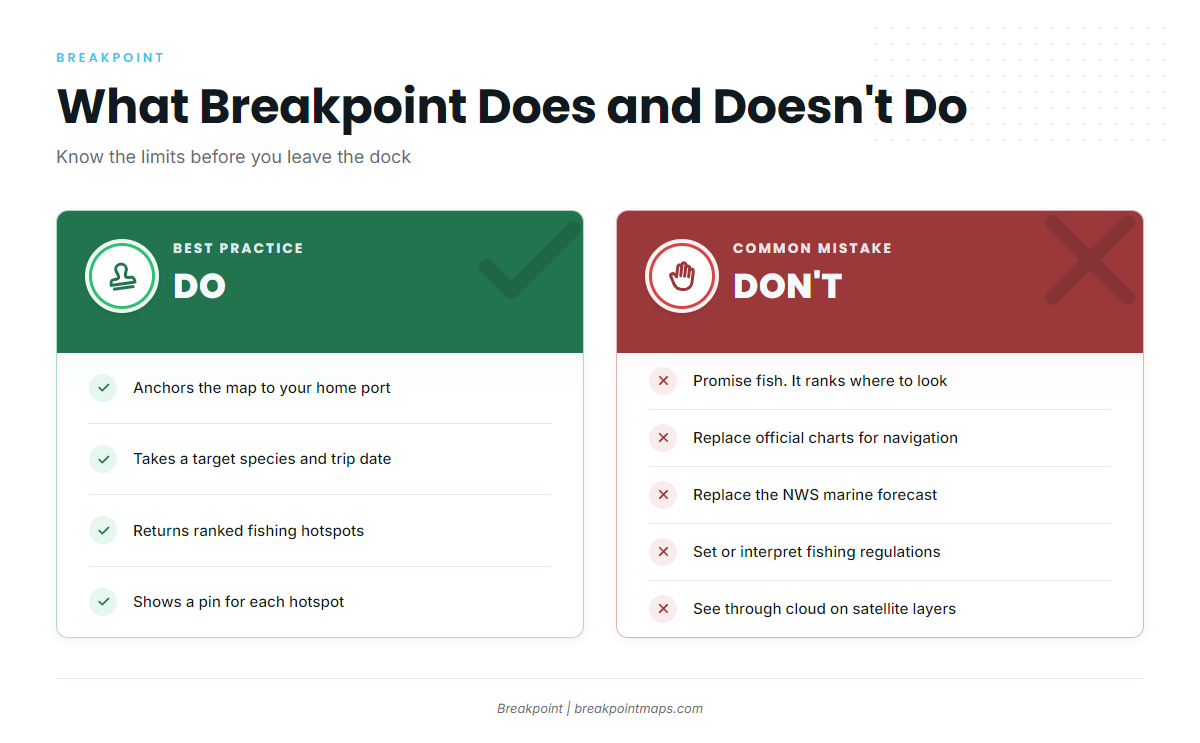
Breakpoint does:
- Anchor the map to a home port.
- Take a target species and a trip date.
- Return ranked hotspots for that species and date, each with a pin you can open.
Breakpoint does not:
- Promise fish. It ranks where to look.
- Work as a navigation tool. The chart layers are not for navigation.
- Replace the official marine forecast. The app shows wind, wave height and period, but the National Weather Service is the official source.
- Set or interpret fishing regulations. Check the agency’s page before you fish.
- See through cloud. Cloud can block satellite layers.
Breakpoint is on the App Store and Google Play.
What You See on Opening the App
Set a home port first. Everything else in the app builds from that choice. The next section walks through each step in order.
Steps from Home Port to First Hotspot
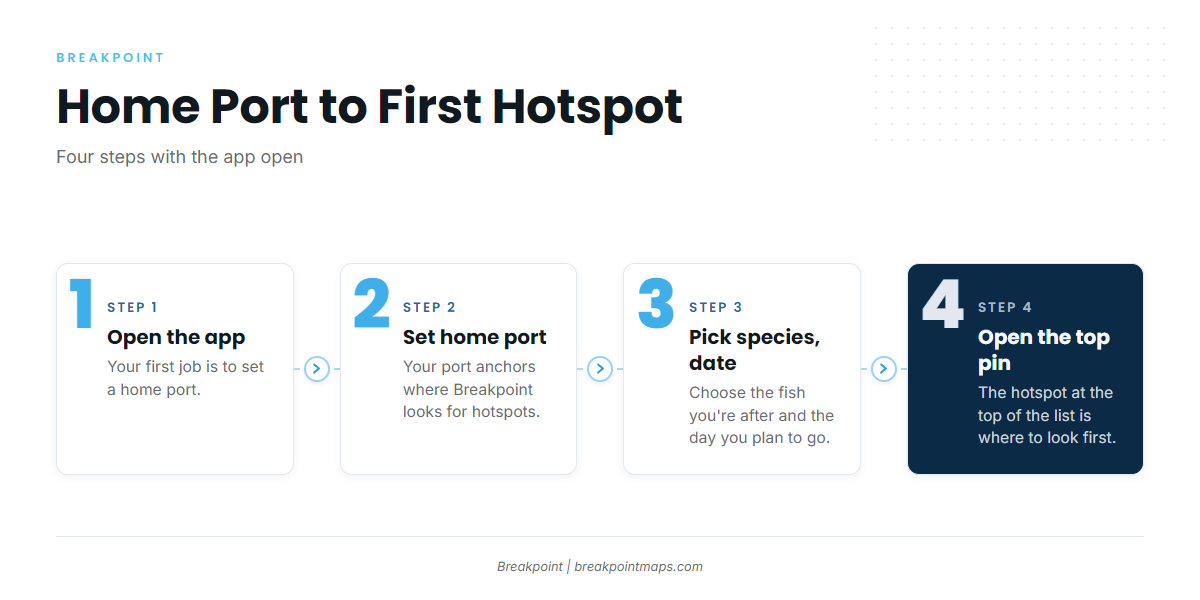
- Set your home port. This anchors where Breakpoint looks.
- Pick a species and a date. These two inputs drive the ranking.
- Open the top-ranked hotspot. It is the best match for your pair.
Step 1: Setting Your Home Port
Your home port anchors where Breakpoint looks for hotspots, and the ranking radiates out from there. Choose the port you actually run from.
Say your home port is Newport, on Yaquina Bay. You run out through the bay entrance, and the jetties mark the way to the Pacific. The recreational launch ramp is at Port of Newport South Beach, which is separate from the Bayfront docks where commercial boats tie up.
Step 2: Pick a Species and a Date
Pick the fish you’re after and the day you plan to go. Breakpoint ranks hotspots for that pair.
From Newport in autumn, the choices might be albacore tuna, coho salmon, chinook salmon, Pacific halibut, lingcod or rockfish. Each holds in different water, so each ranks different spots.
Changing either input reshuffles the ranking. A spot near the top for lingcod may sit lower for albacore tuna, and the same species can rank differently on a different date.
Some species run on seasons and quotas. Check the ODFW Marine Zone fishing report before you go, and follow the agency’s page for what is open.
For the reasoning behind a species before you pick one, read the Fish Intel species pages.
Step 3: Opening Your First Ranked Hotspot
Open the hotspot at the top of the list. That is the first place to look.
Ranked means ordered by how well each spot matches your species and date, best match first. It is the order a good captain would check spots on a given morning, and it does not promise fish. The ranking is built on data that has limits. To see how it works, read how we score and rank hotspots.
Reading the Hotspot Pin
The pin shows the hotspot’s place in the ranking and its details for your chosen species and date. Read it as the reason a place made the list. From there you have a spot to plan around.
Where to Go Next
Pick one of these:
- Plan a trip around this hotspot and work out your run from port.
- Save it as a waypoint and take the map offline. Cell coverage drops offshore.
- Change the species or the date and watch the ranking move.
Frequently Asked Questions
What does the Breakpoint fishing app do?
It ranks hotspots near your home port for a species and date you choose. You get a ranked list, and each hotspot has a pin you can open to read. It helps you decide where to look.
Does Breakpoint tell me where fish are?
No. It ranks where to look, using data that has limits. Cloud can block satellite layers, and a ranking is a judgment, not a guarantee. Treat the top spot as the first place to check.
Why did my hotspots change when I changed the date?
Species and date are the inputs, so a new date produces a new ranking. If your home port is Newport and you pick lingcod for one date, then albacore tuna for another, expect a different order each time.
Are the chart layers for navigation?
No. Use official charts and the National Weather Service marine forecast for navigation and conditions. The app shows wind, wave height and period, and the official forecast is where you confirm them.
Conclusion
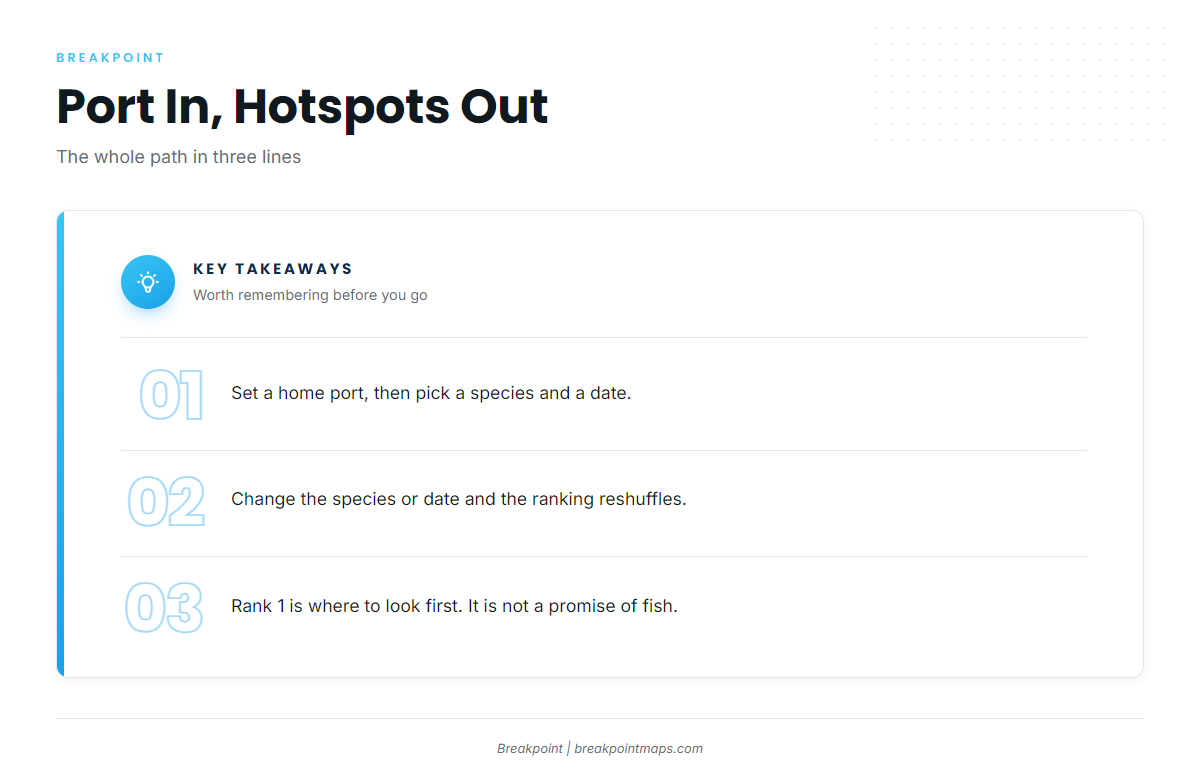
Port, species and date go in, ranked hotspots come out, and the top pin is the first place to look. To put a trip together, download Breakpoint from the App Store or Google Play and open your first hotspot.