




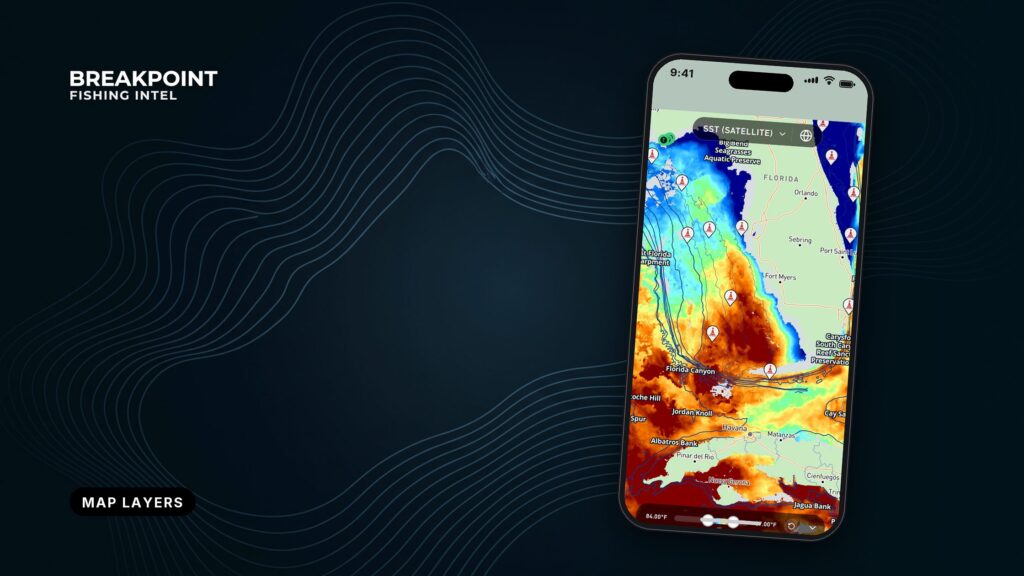
Every layer on the Breakpoint map answers one question, so pick the question first and then open the layer.
No layer finds fish. Read together, they help you decide where to look, which saves fuel and time. The Breakpoint app is built on public ocean data, and we show where our data comes from so you can judge each layer for yourself.
One frame is useful as you read. Stations are observed at a point. Currents and Wind and Waves are model output or forecast. The hotspot layer is derived from other layers. Satellite SST and Chlorophyll are observed from orbit, so cloud can block them.
This page covers which layer to open first, how to read it, and which sequences to repeat on your own water.
Which layer answers your question?
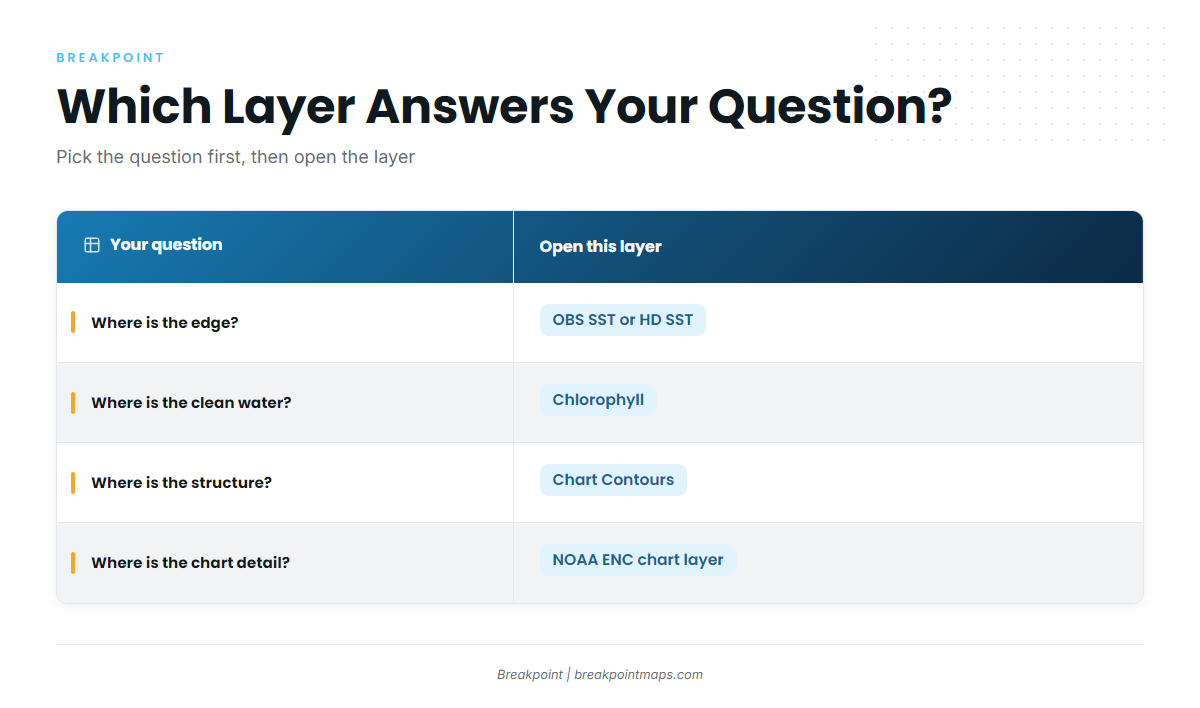
Find your question in the left column and open the layer on the right.
| Your question | Open this layer |
|---|---|
| Where is the edge? | OBS SST or HD SST |
| Where is the clean water, and where is the green bait water? | Chlorophyll |
| Where is the structure: ledges, canyons, drop-offs? | Chart Contours, NOAA ENC chart layer |
| What are the wind and sea numbers for the run out and back? | Wind and waves |
| What is the buoy reading at this point? | Stations |
| Where should I start looking? | Hotspots |
If you are new to the map, start with the first row, then try the first sequence below on your own water: temperature, then Chlorophyll, then the bottom.
Temperature and color: where is the edge?
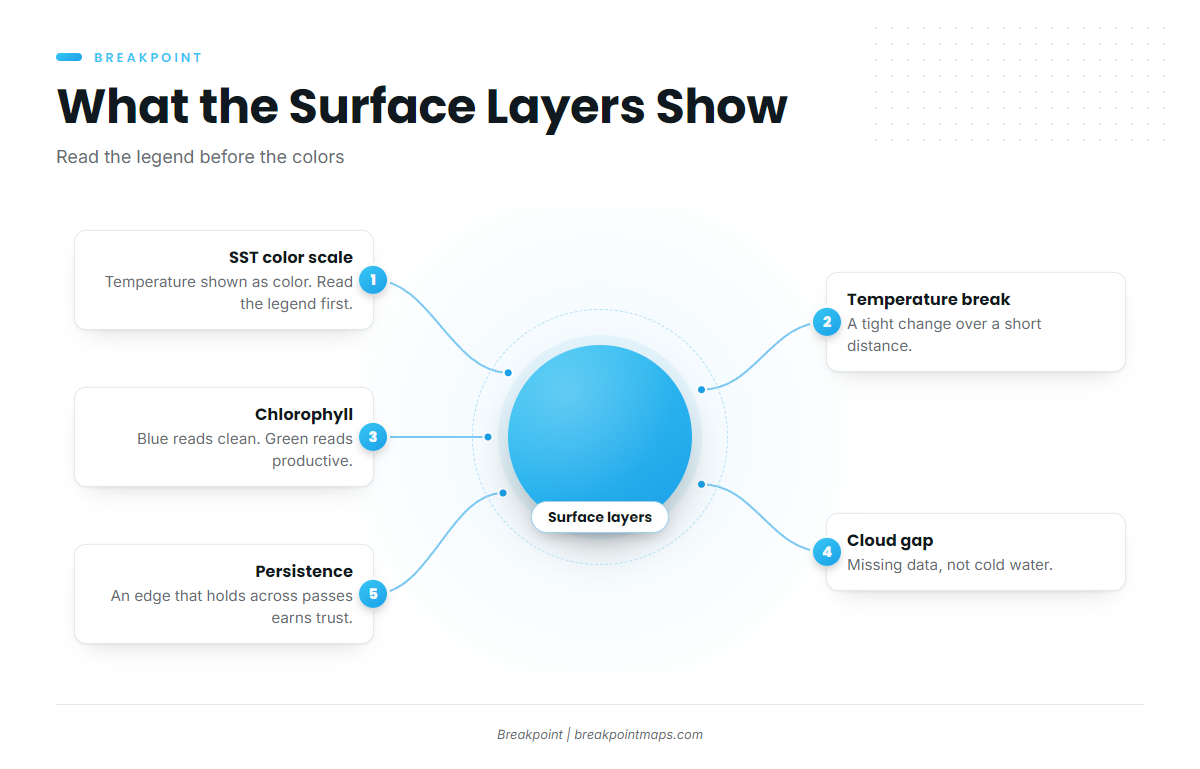
OBS SST and HD SST show sea surface temperature as a color scale. Read the legend before you read the colors.
A temperature break is a tight change in temperature over a short distance. It is usually the first line anglers look for, because bait and gamefish stack along it.
Both views show the same surface, so the choice comes down to how you want to read it. Here is which SST layer to open for the question you are asking.
Cloud leaves gaps. A pass blocked by cloud shows missing data rather than cold water, and an edge that holds across several passes deserves more trust than one seen in a single pass.
The temperature layers have three limits:
- They read the surface only, so temperature below the surface does not show.
- Cloud blinds them, and the gap stays blank until a clear pass.
- They show where the water changes, not where the fish are.
Chlorophyll: where is the clean water?
The Chlorophyll layer shows water color. Clean blue water reads low, and green, productive bait water reads high. Read the legend first.
The edge where clean water meets green water is the second line to look for. When it sits on top of a temperature break, two lines agree. Chlorophyll is also blinded by cloud, and it shows color, not fish.
The bottom and charts: where is the structure?
Chart Contours draws depth lines. The NOAA ENC chart layer shows NOAA’s electronic nautical chart, with depth areas and soundings. Together they show ledges, canyons and drop-offs, the structure that holds bait against an edge.
Chart layers in the Breakpoint app are not for navigation. Here is how the NOAA ENC layer works and why it stops short of navigation.
A chart is only as current as its survey, and some areas are not charted at all because the bottom will not hold still. The NOAA Coast Pilot for Hatteras says hydrography is not charted on Diamond Shoals because the area keeps changing.
The bottom layers show:
- Depth lines and the spacing between them.
- Charted depth areas and soundings from NOAA.
- Where a drop-off or ledge sits relative to your temperature and color edges.
Wind and waves: what will the sea be on the run out and back?
Read wind speed and direction, wave height and wave period. Period matters alongside height, because the same height at a short period and a long period feels different under the boat. The numbers describe the sea. We leave the judgment to you and the official forecast.
This layer is a forecast. Check the NWS Newport/Morehead City marine forecast for your zone before you run, and use the forecast office that covers your water. The layer does not show what an inlet bar is doing at that moment.
Stations: what is the buoy reading?
Stations show observations at a single point. A buoy reports its own spot, not the water 20 miles away.
You can check a real observation point yourself. NDBC Station 41025, Diamond Shoals is one example off Cape Hatteras.
Use a station to confirm what a forecast layer predicted for the same area, and treat it as a single point rather than a map.
Reading layers in sequence
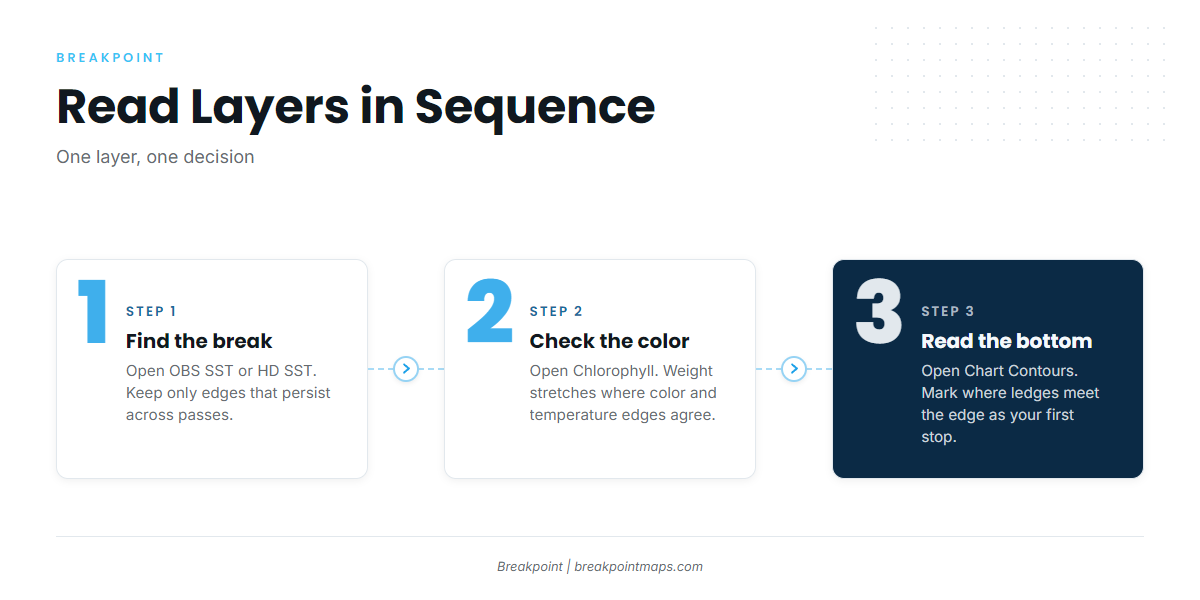
Each step below is one layer, one thing to look for and one decision. The example water is the Gulf Stream edge off Hatteras.
Sequence 1: Temperature, then Chlorophyll, then the bottom
- OBS SST or HD SST. Find the break along the Gulf Stream edge off Hatteras. Decision: keep only edges that persist across passes.
- Chlorophyll. Check whether a clean-to-green color edge lines up with the temperature break. Decision: weight the stretches where both lines agree.
- Chart Contours. Look for ledges or drop-offs under that stretch. Decision: mark the spot where all three lines meet as your first stop.
Sequence 2: Hotspot, then wind and waves
- Hotspots. Read the pin as a starting area, not an answer.
- Chlorophyll or SST. Open the raw layer under the pin. Decision: keep the pin only if the edge is there.
- Wind and waves. Read the numbers for the run out and back, then check the NWS forecast. Decision: decide whether the run is worth the fuel and time.
Sequence 3: Station against forecast
- Read the forecast wave height and period.
- Compare them with the buoy observation for the same area.
- Decision: note how far the forecast and the observation differ before you trust the forecast for later in the day.
Where the hotspot layer fits
The hotspot layer is derived. It is a starting point built from conditions, not a fish report. Tap a pin and the app tells you why it is there. To see how the pins are scored, read how the hotspot layer is built.
Then open the raw layers underneath and check whether the edge, the color and the structure agree. When they do, the pin earns your fuel. When they do not, trust the layers over the pin.
Detailed layer pages
- OBS SST vs HD SSTwhich temperature view to open, and how cloud gaps differ.
- NOAA ENC chart layer explainedwhat the chart layer shows and why it is not for navigation.
- How Breakpoint Workswhere the data comes from and how the layers are built.
Frequently Asked Questions
Which layer should I open first?
Open the temperature layer, OBS SST or HD SST, because the edge comes first. Then check Chlorophyll for a color edge in the same place, and look at the bottom for structure under it.
Why is there a gap in the SST?
Cloud blocked the satellite pass. The gap is missing data, not cold water. Check earlier passes to see whether the edge persists. The OBS SST vs HD SST page covers how the two views handle gaps.
Is the hotspot layer a fish report?
No. It is derived from conditions and serves as a starting point. Check it against the raw layers underneath before you commit to a run.
Closing
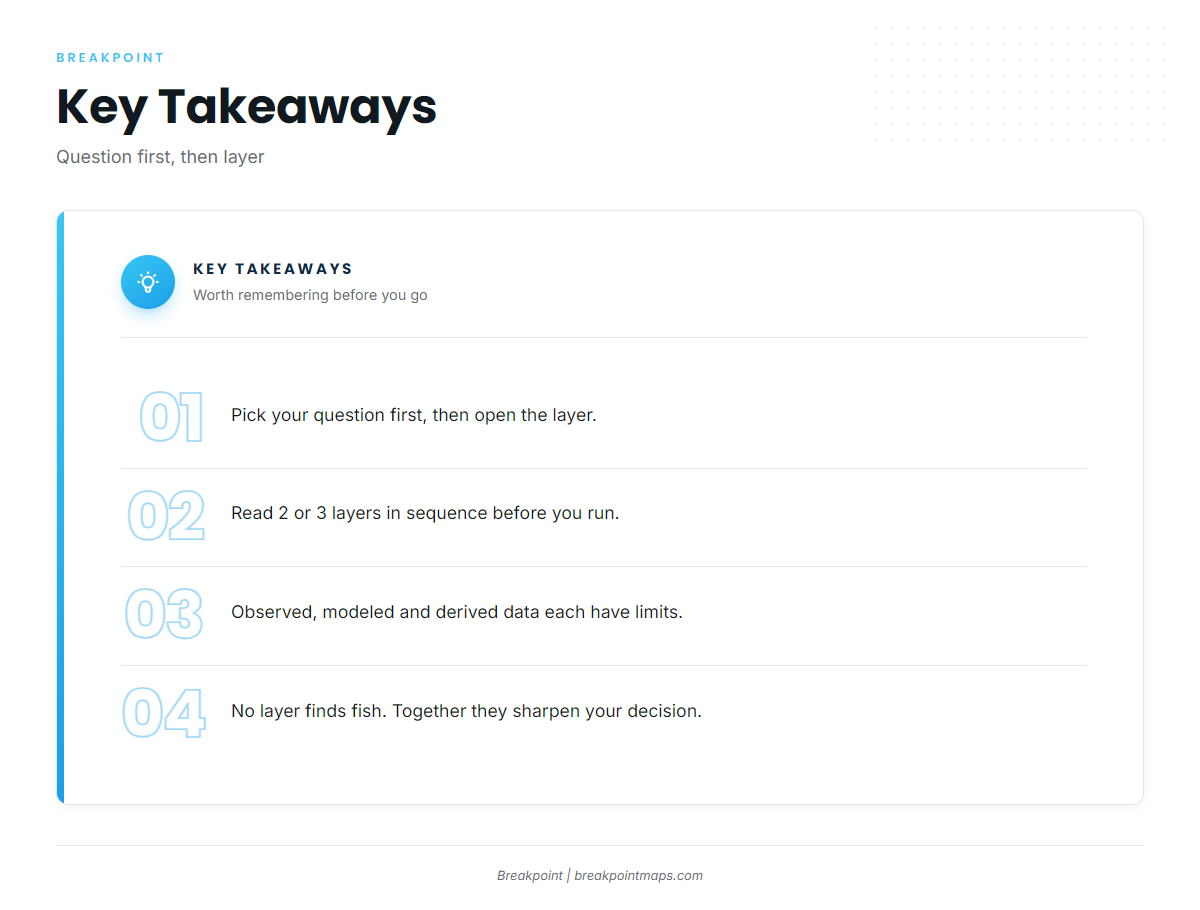
Start with the question, then pick the layer. Read two or three layers in order, keeping in mind what each one cannot see. That gives you a better basis for deciding where to look.
The detailed layer pages above go deeper on each one. The Breakpoint app is on the App Store and Google Play.