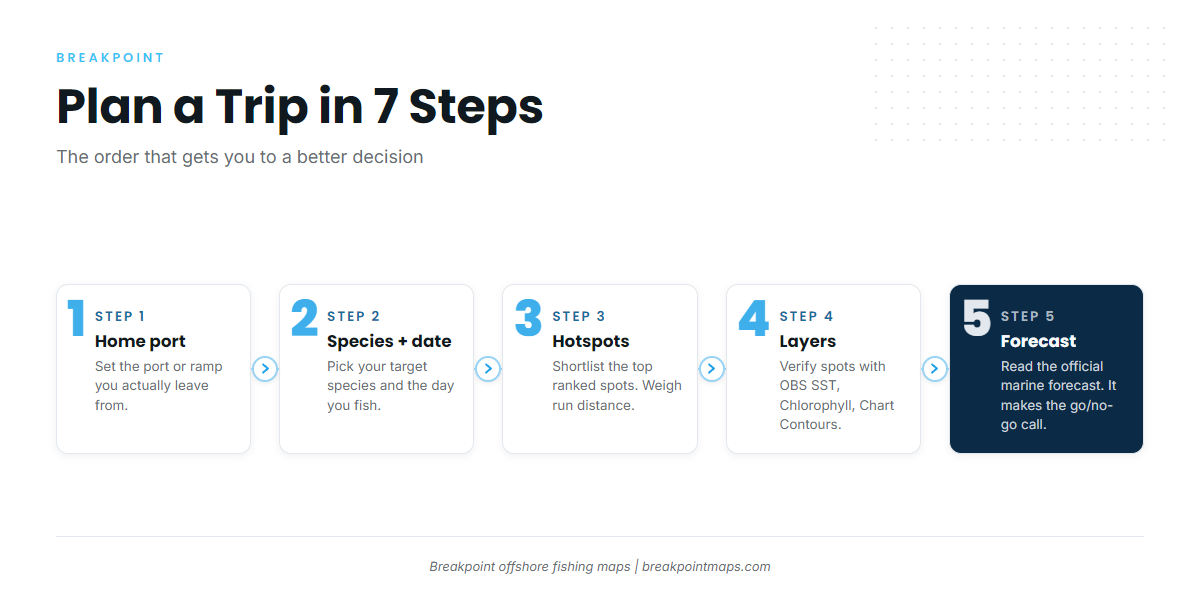




To plan a fishing trip with Breakpoint, work in this order: port, species, date, spots, layers, forecast, route, offline, log. This guide covers offshore trip planning in the Breakpoint fishing app, from the dock the night before to the log after you tie up. It won’t promise fish, but it will help you decide where to look.
- Set your home port
- Choose a species and a date
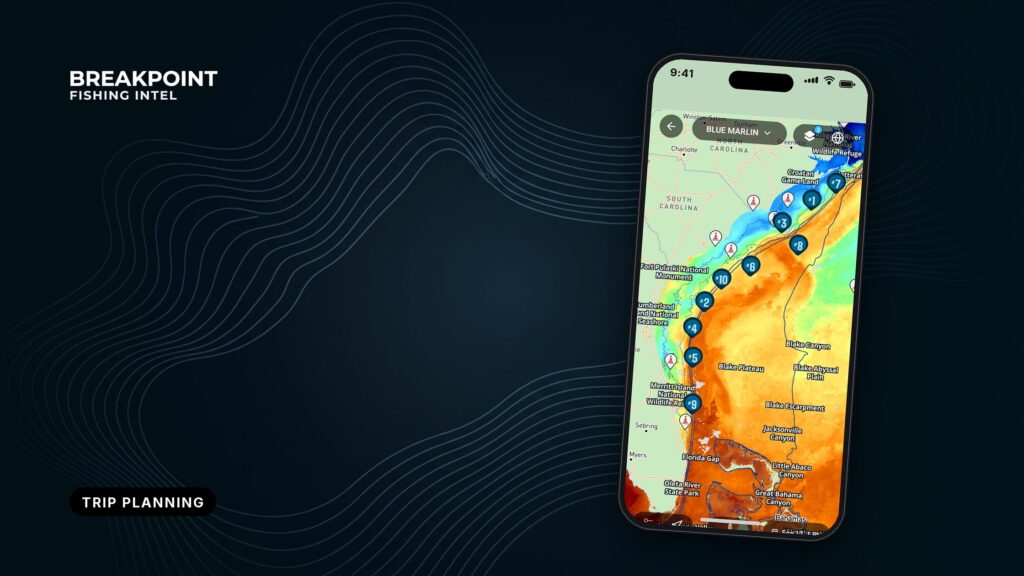
- Read the ranked hotspots
- Check the layers behind the top spots
- Check the official marine forecast
- Build a route and download it for offline use
- Log catches and waypoints
Pick your starting point
Find your situation, start at the matching step, then read the linked guide.
| Situation | Start here | Read next |
|---|---|---|
| First time in the app | Step 1 | getting started with Breakpoint |
| Planning tomorrow | Step 3, then the night-before checklist | how Breakpoint ranks hotspots |
| No signal offshore | Step 6 | waypoints and offline maps |
Not installed yet? Breakpoint is on the App Store and Google Play.
1. Set your home port
Your home port is the point the ranked list and your route are measured from, so pick the port or ramp you actually leave from. If you trailer to a different port for this trip, change it before you plan. For first-run setup, see our getting started guide.
- Choose the port you will leave from, not the one nearest your house.
- Change it whenever you trailer somewhere new.
- Set it before you read any spots.
2. Choose a species and a date
The target species changes what counts as good water, so it changes which spots rank. Albacore out of Port San Luis and bluefin tuna out of Provincetown are different questions with different answers. Our Fish Intel species pages explain what each species is telling you.
Then pick the day you will fish. The date sets which data and forecast you are looking at.
| Pick | What it changes |
|---|---|
| Target species | Which spots rank at the top |
| Date | The data and forecast window you read |
| Home port | The starting point for distance and route |
3. Read the ranked hotspots
The list is a place to start looking. Shortlist the top few spots, then weigh each against the run from your home port. A spot that ranks first but sits at the far edge of your day may lose to one that ranks third and lets you fish longer. Your own knowledge still counts: if you have a ledge you trust, keep it on the shortlist. How the ranking is built is covered in a separate guide.
Work the list in this order:
- Shortlist the top few ranked hotspots.
- Note the run distance from your home port for each.
- Mark any spot your own experience backs up.
- Carry the shortlist into the layers in the next step.
4. Check the layers behind the top spots
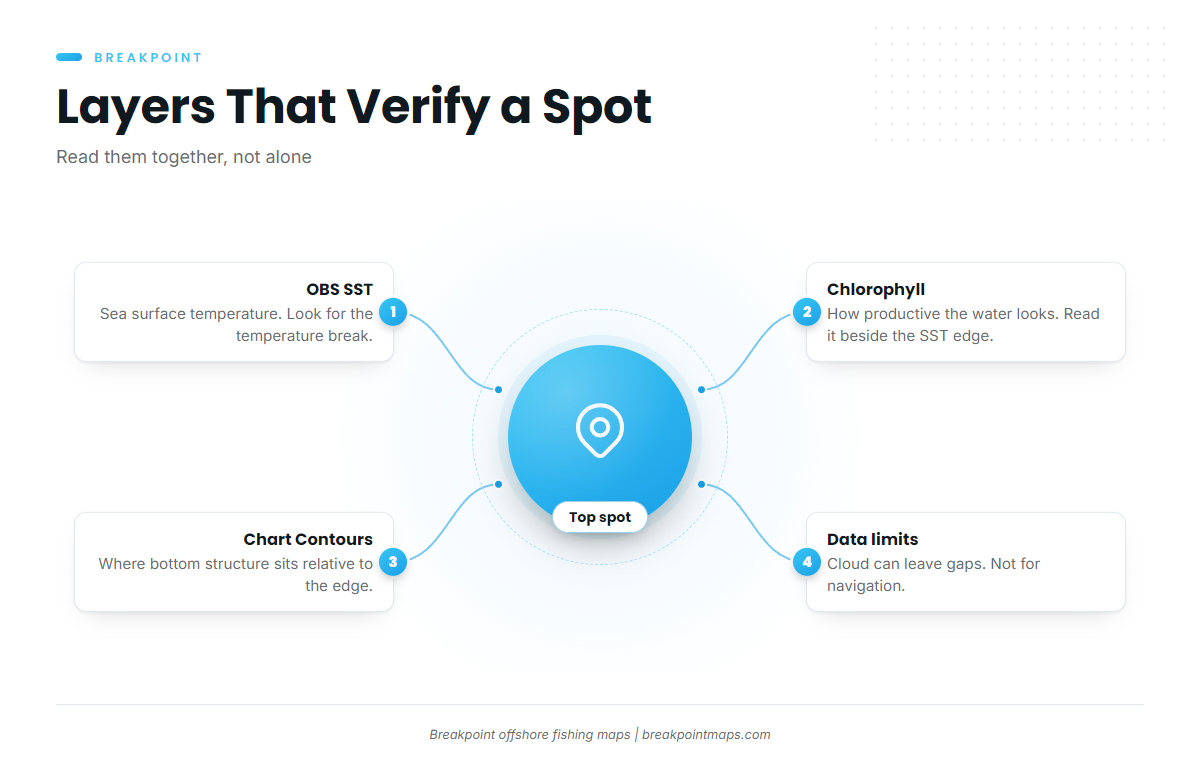
A ranked spot is a claim, and the layers let you check it. Tap into each top spot and read what the water is doing there.
OBS SST
OBS SST shows sea surface temperature. Look for a temperature break, the edge where temperature shifts over a short distance. A top-ranked spot on or near that edge has something behind it. A spot surrounded by flat, even water has less to go on.
Chlorophyll
Chlorophyll shows how productive the water looks. Read it alongside the OBS SST edge. Where a temperature break and a change in water color line up, two signals point the same way.
Chart Contours
Chart Contours show where bottom structure sits relative to the edge. Structure that meets a temperature break gives fish a reason to stay.
The data sources and methods are described in how Breakpoint works.
What the data can’t see. Cloud can block a satellite pass, so a layer can have gaps. A forecast is a forecast. Chart layers are not for navigation.
5. Check the official marine forecast
The go or no-go call comes from the official marine forecast, not from us. Read wind, wave height and period for your date and weather window. Those three numbers tell you what you will meet offshore. We don’t set thresholds for you; you know your boat and your crew.
Use the official NWS marine forecast for your area. At Port San Luis, the NWS Los Angeles/Oxnard Coastal Waters Forecast splits the Point Piedras Blancas to Point Sal waters into a 0 to 10 NM zone and a 10 to 60 NM zone. Read the zone that matches your run distance.
Check the rules before you fish. Your state agency or NOAA Fisheries sets size, bag and season for your species. In Oregon, for example, start with ODFW ocean fishing rules.
Read these for your date:
- Wind speed and direction
- Wave height
- Wave period
- The forecast zone that matches your run
6. Build a route and download it for offline use
The route turns your shortlist into a run. Link the spots into a fishing route from your home port.
The route and chart layers are not for navigation. For approaches and hazards, use the official chart and the Coast Pilot. For Port San Luis, NOAA Coast Pilot 7, Chapter 6 covers the approaches.
Signal ends where the fish begin, so download the area and route while you are still at the dock with service. More detail is in waypoints and offline maps in Breakpoint.
Before you leave the dock:
- The area is downloaded.
- The route is saved.
- The forecast zone has been read.
- The rules have been checked.
7. Log catches and waypoints
Save productive spots as waypoints and record your catches in the catch log. Next time, that log is part of where you look. See waypoints and offline maps for how waypoints work.
Offshore trip planning the night before
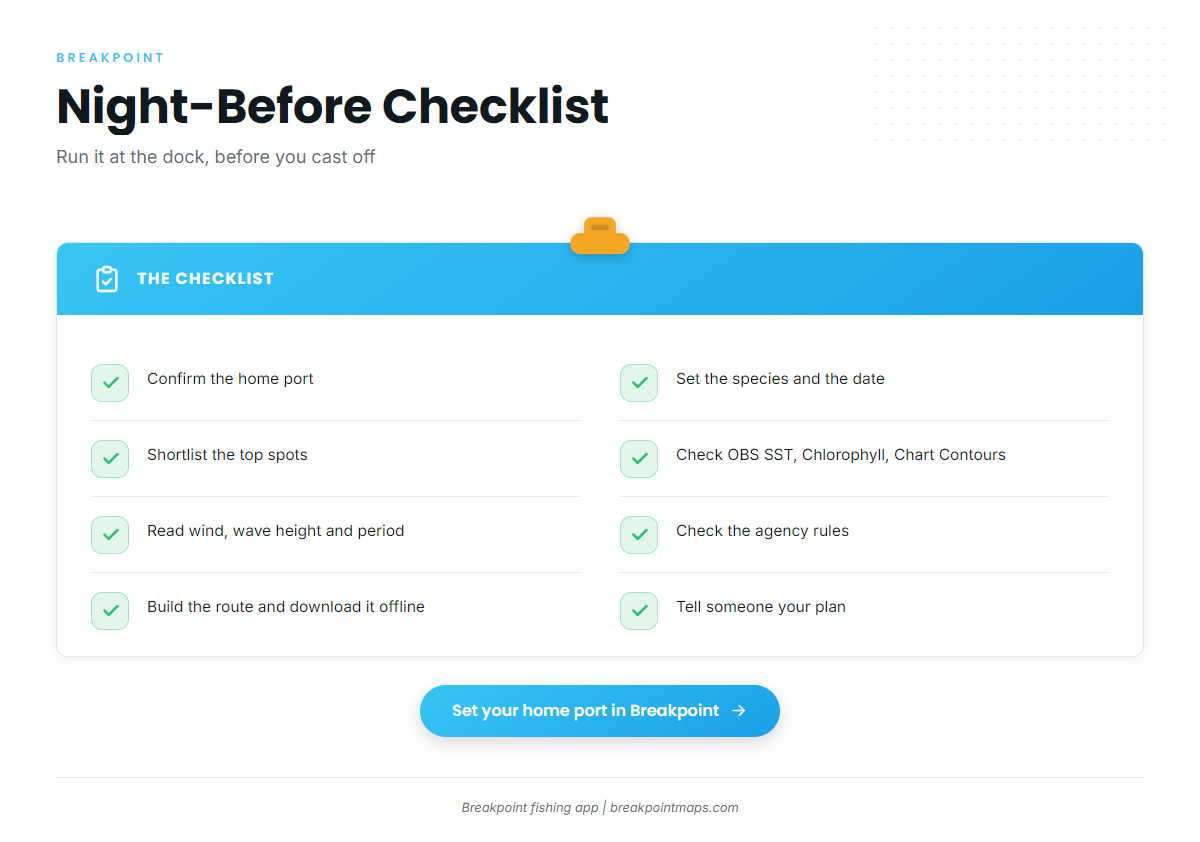
Work this list in order:
- Confirm the home port.
- Set the species and the date.
- Shortlist the top spots.
- Check the OBS SST edge, Chlorophyll and Chart Contours.
- Read wind, wave height and period for your NWS zone.
- Check the agency rules.
- Build the route.
- Download it for offline use.
- Tell someone your plan.
Frequently Asked Questions
Does Breakpoint work without signal?
Yes, if you download the area and route before you leave the dock, while you still have service. Regions download for offline use because signal ends where the fish begin. For how waypoints and offline maps work, read waypoints and offline maps.
How are hotspots ranked?
The list is a starting point. Verify each spot with the layers, then weigh it against your run distance. For the method, read how the ranking is built.
Which forecast should I check?
Check the NWS marine forecast for the zone that matches your run distance. Read wind, wave height and period for your date. The official forecast makes the go or no-go call.
Can I use the route for navigation?
No. Chart layers are not for navigation. Use official charts, the Coast Pilot and your boat’s navigation equipment for approaches and hazards.
Where do I start the first time?
Set your home port, then follow the order in this guide. For first-run setup, read getting started with Breakpoint.
Close
The ranked list points you to spots, the layers check them, and the forecast makes the final call. Set your home port, pick tomorrow’s species, and download the area before you lose signal. Breakpoint is on the App Store and Google Play whenever you are ready to plan your next run.